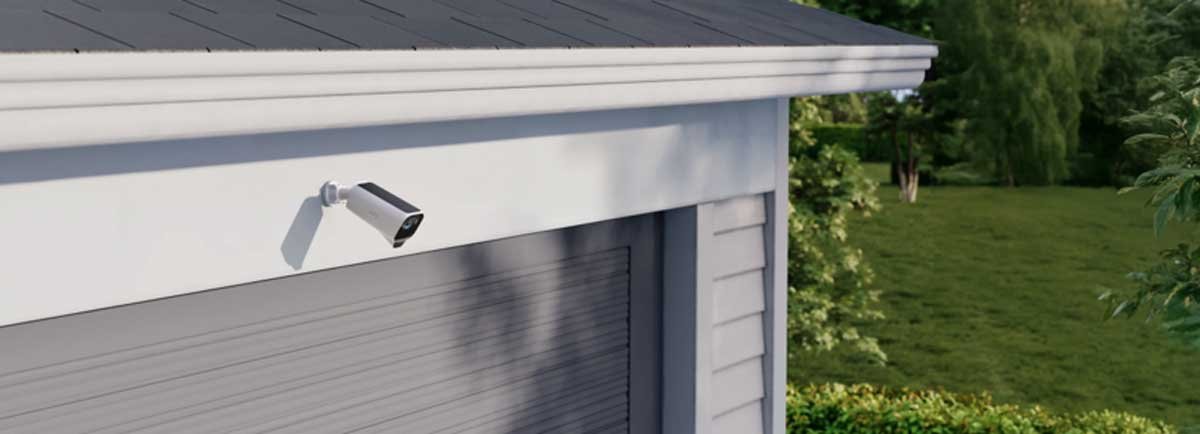
To keep outdoor security cameras reliable after wind, rain, heat, and pollen, check the lens, mount, power source, app zones, and storm setup before you trust the next clip. A camera can still be shown online, while a dirty lens, a shifted bracket, a shaded panel, or a noisy alert weakens the footage.
This outdoor security camera maintenance checklist keeps the work small with quick checks for clarity, stability, power, notifications, and storm preparation.
Clean Lens Dirt, Water Spots, and Cobwebs Before Night Glare
The lens is usually where weather leaves the first visible trace. Dry heat leaves dust and pollen on the glass. Rain turns that film into cloudy spots, especially under an eave where water dries slowly. In daylight, the image may pass a quick check. After dark, the same smudge can turn into glare.
Infrared light can bounce off dirt, water spots, or a spider web instead of reaching the driveway or side gate. After rain, look for dried water spots or mineral residue. Those marks can create glare or halos even when the daytime feed looks clean.
Do the dry, loose debris first, then touch the glass.
- Blow away loose grit first with a hand air blower or gentle compressed air before touching the lens
- Use microfiber only, because paper towels and rough cloth can drag grit across the glass
- Put cleaner on the cloth rather than spraying the camera body
- Check the housing and sensor area for cobwebs, pollen clumps, and insect residue
- Keep repellents away from the lens, if you use insect deterrents around the mount
Spiders are a separate nuisance. A sheltered corner near a warm camera body is a good place for a web, and insects often collect near small lights. One strand can be almost invisible at noon, then glow after dark and create a night of useless clips.
Check Mounts, Camera Angles, and Blind Spots After Wind
High wind does not have to rip a camera off the wall to cause trouble. A few degrees of movement can push the gate toward the frame edge or fill the top half of the view with gutter. This exterior camera weather check matters most on eaves, fence posts, older siding, and mounts fixed into soft trim.
After a storm, open the live view before grabbing a screwdriver. Too much sky, a branch across the frame, or a driveway starting halfway down the image usually means the mount moved.
Focus on these points.
- Screws and anchors should sit firmly without wobble or visible gaps
- Ball joints and tilt points should hold position when lightly touched
- Fence post mounts should not twist when the post flexes in the wind
- Eave mounts should not aim into the roofline after repeated vibration
- Nearby branches should be trimmed if they now move through the detection area
Set the ladder before adjusting the camera. Place it on level ground, keep both hands available while climbing, and move the ladder instead of reaching sideways. If a camera sits so high that every adjustment feels risky, a lower secondary view or a model with wider remote adjustment may make more sense. When comparing replacements or add-on units, browse the eufy outdoor security cameras by mount style, power type, and exposure rather than camera count alone.
Clear Solar Panels and Inspect Cables After Rain
Power problems often show up after the weather has passed. ENERGY STAR notes that outdoor heat, moisture, and exposure can affect electronic efficiency and service life, so the power side deserves a look even when the camera appears online. A camera can survive the storm, then drain because the solar panel is covered in pollen or wet leaves. Wired cameras fail more quietly. A clip cracks, a cable sags, or a branch rubs the jacket.
Clear solar panels before charging drops
Solar panels do not need perfect weather, but they do need a clear path to light. After a storm, check the shade as well as the debris. A branch shifted by the wind may block the panel during the strongest afternoon sun. Spring pollen can dull the surface, and fall leaves can sit on angled panels after rain.
Inspect cables before the next rain
For wired setups, walk the cable path back to the entry point. The drip loop should still hang below the port or wall entry so rainwater drops off before it reaches the connection. Cable clips should hold the wire close without pinching it. Outdoor-rated hardware can handle exposure, but cable strain still needs a look after rough weather.
| Power setup | Weather risk | Maintenance move |
| Solar camera | Panel covered by pollen, leaves, mud, or new shade | Wipe the panel and confirm daily charge after storms |
| Battery camera | Cold snaps and frequent alerts drain reserve faster | Check battery level after severe weather |
| Wired camera | Loose clips, cracked cable covers, and weak seals | Inspect drip loops, ports, cable jackets, and wall entries |
Rework Motion Zones When the Yard Changes
The camera may not move, while the yard changes around it. A motion zone drawn in winter can look clean because branches are bare. By late spring, leaves may fill the same space. In summer, a bush that sits below the frame can grow into the detection zone.
That is how a good camera turns noisy. The hardware is doing what it was told to do. The old zone is aimed at a different yard.
Review zones at least twice a year and after major storms. Keep detection focused on paths, doors, gates, vehicles, and the first few feet around valuable items. Mask out leaves, reflective water, flags, and headlight sweep.
A practical alert plan looks like this.
- High priority alerts for people near doors, porch steps, garages, and side gates
- Standard alerts for vehicles entering a driveway or stopping near the house
- Quiet recording for far fence lines, trees, and open lawn areas
- Reduced sensitivity where wind-driven foliage is unavoidable
If every guest sends an alert, people stop checking. A better-tuned setup leaves fewer alerts worth attention.
Prepare Outdoor Cameras Before Heat Waves and Storms
Weather checks are easier before the forecast turns ugly. NOAA reports that severe thunderstorms can bring damaging wind, hail, and heavy rainfall, so the live view is only part of a post-storm check. Heat waves stress a camera differently than rain. Direct sun can raise camera body temperature, soften cheap plastic clips, and make adhesive mounts less reliable. Rain tests seals, cable entries, and lens cleanliness. Wind tests every bracket.
Before storm season, run a short check.
- Confirm the view from each camera in daylight and at night
- Clean lens glass and solar surfaces before dirt bakes on
- Tighten mounts gently without stripping screws or cracking plastic
- Check weather seals around cable ports and wall entries
- Test notifications by walking through real approach paths
- Review storage, so important clips are not overwritten too quickly
The checklist changes by season. Spring brings pollen, spider webs, and new plant growth. Summer is more about heat exposure, sun-baked dirt, and charging behavior. Fall brings leaves over panels and branches near the frame. Winter is the time to watch battery reserve, ice on cables, and cold night reporting.
Choose Cameras That Reduce Routine Maintenance
Maintenance never disappears, but hardware can change how often you climb a ladder or chase a weak setup. The right choice depends on the spot where the camera will live.
Solar cameras for remote areas
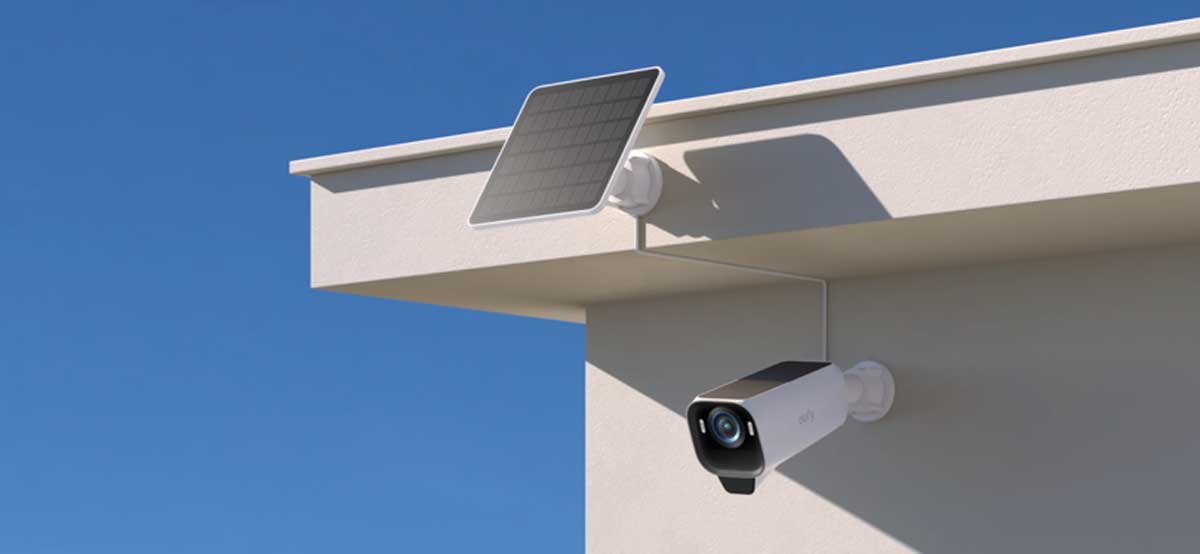
Solar cameras make sense on sunny fence lines, detached garages, sheds, and long driveways where routine charging gets old quickly. In those spread-out areas, the eufyCam S4 gives each camera its own SolarPlus™ 2.0 setup with a 5.5W panel, so separate yard zones can stay powered when each panel has reliable sun. The one-hour direct sunlight rating still depends on a clear panel, which makes post-storm checks part of the plan. A good summer spot may become a poor winter spot once the sun angle changes.
Low-light cameras for glare-prone areas
In glare-prone areas, the issue is often the light source rather than the camera body. The eufyCam S3 Pro is useful when the maintenance problem is night detail around a driveway, side gate, detached garage, or dark backyard entry. Its 4K camera with MaxColor Vision™ can capture full color footage in low light without relying only on a spotlight, which helps where harsh light would bother neighbors or attract insects near the lens.
SolarPlus™ 2.0 still matters for upkeep when the built-in panel or an external panel can reduce charging trips. Its radar and PIR motion detection can also help cut down alerts from moving branches or small heat changes after rough weather, so reviewing clips in the app does not turn into a long list of false events.
The two models solve different maintenance problems. The eufyCam S3 Pro suits low-light areas where color detail matters but a bright spotlight could create glare, bother neighbors, or draw insects toward the lens. The eufyCam S4 makes more sense when the property needs several outdoor angles, and the practical concern is keeping remote, sunny camera points powered without frequent charging trips.
Wired cameras for shaded spots
Some corners will never be good solar corners. A wired camera can make more sense under deep eaves, covered side entries, or narrow shaded walkways where a panel would need constant attention. After heavy rain or a freeze-thaw cycle, check the cable jacket, clips, drip loop, and wall entry rather than a battery level or solar panel surface.
Conclusion
An online status in the app does not tell you whether the lens is clean, the mount is steady, or the alerts still make sense. After wind, rain, heat, and seasonal growth, small checks matter. Clean the lens before judging image quality. Check the mount before trusting the frame. Inspect power before assuming uptime. Adjust motion zones when the yard changes. A few minutes after rough weather can save the clip that would have mattered later.